Senior-level quality
Clear hierarchy, real content and every edge case covered: empty, loading and error states included, not only the “happy path.”
Assign tickets in Jira, Linear, Asana or ClickUp Get designs in your Figma Human designer reviews every screen.
Our AI designer researches top products, designs in your Figma with your design system, and a senior designer reviews every screen.

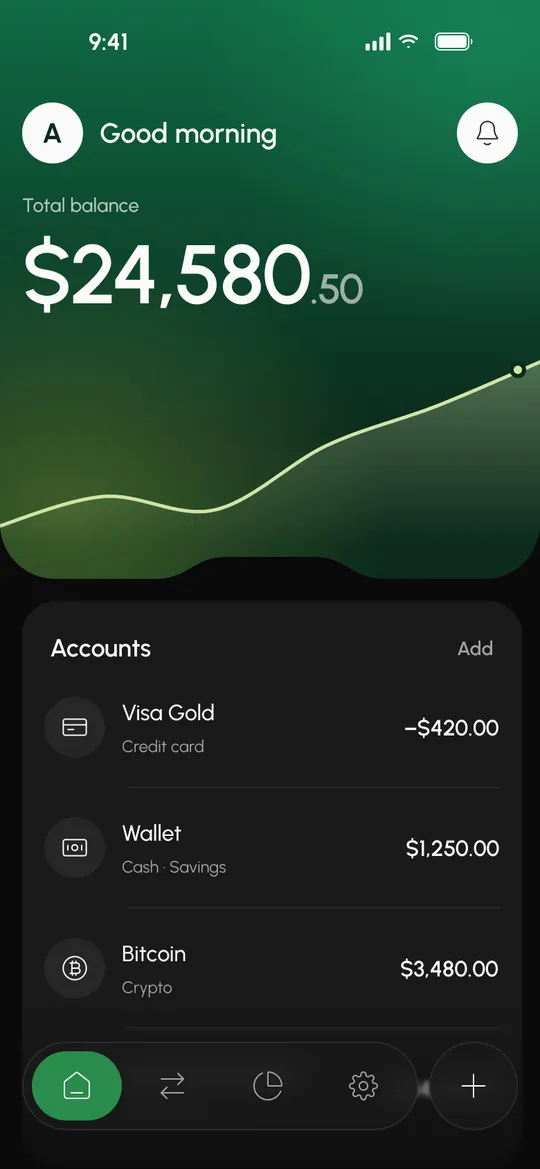
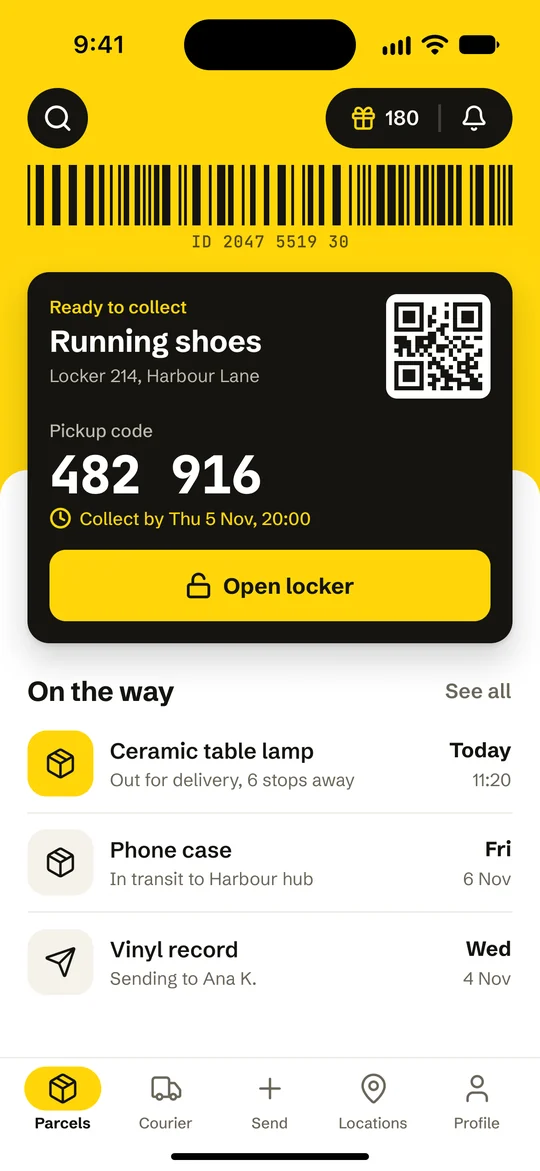
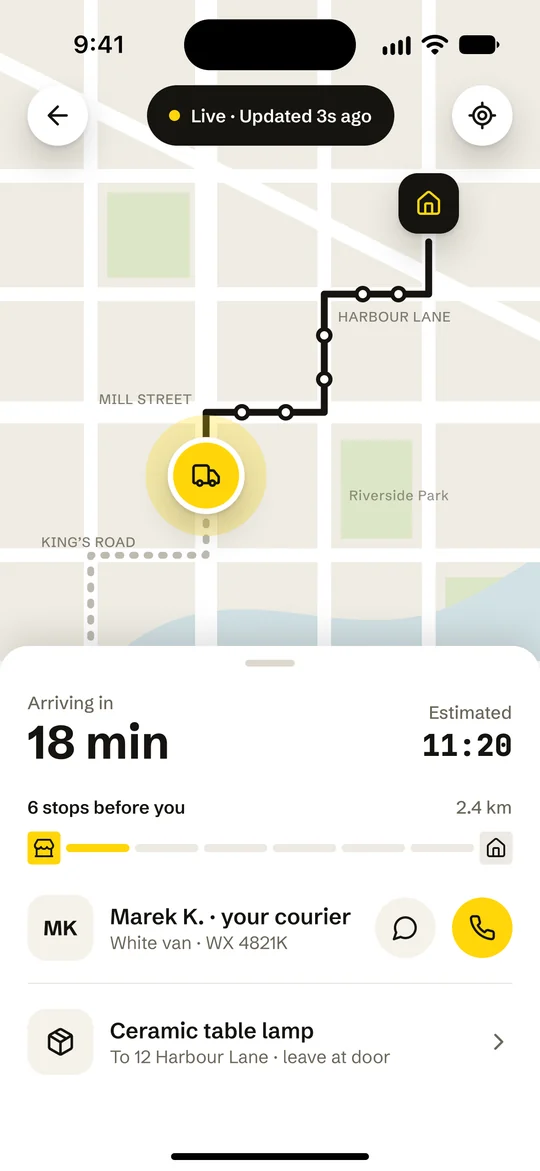
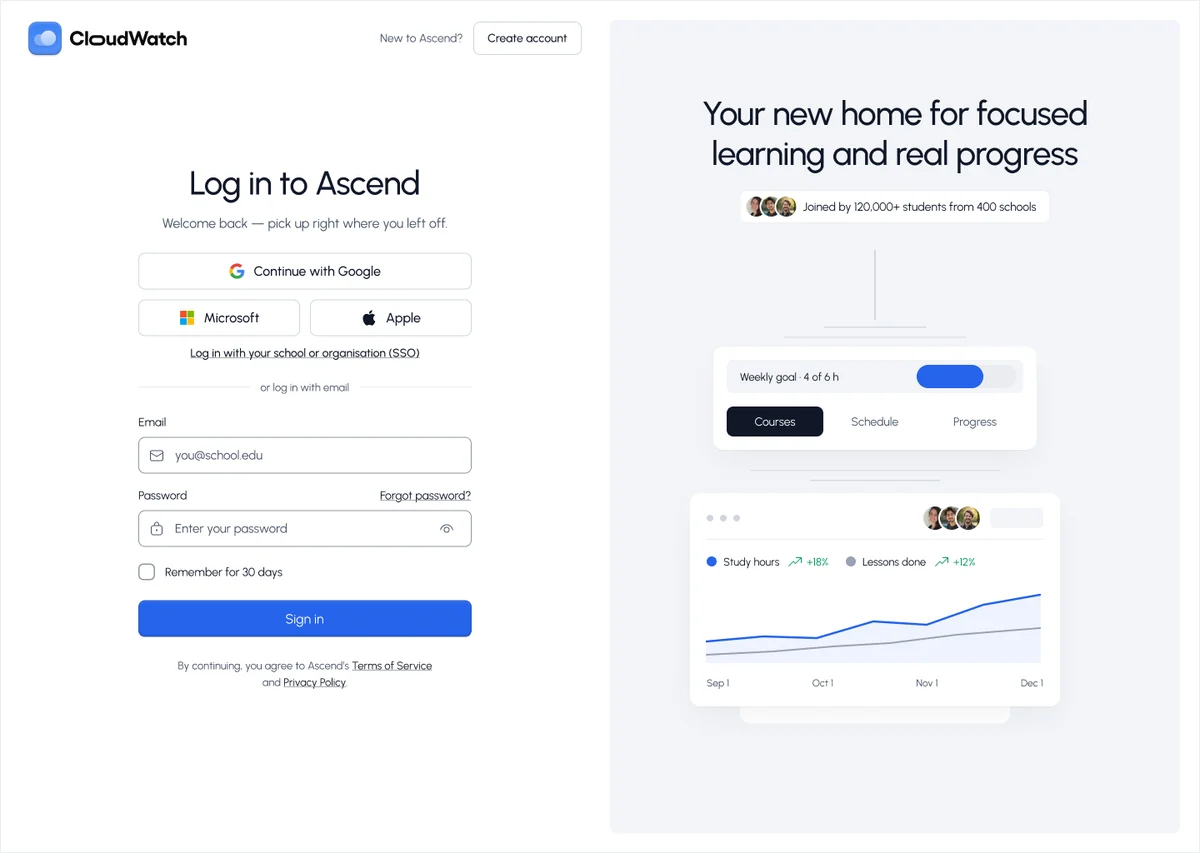
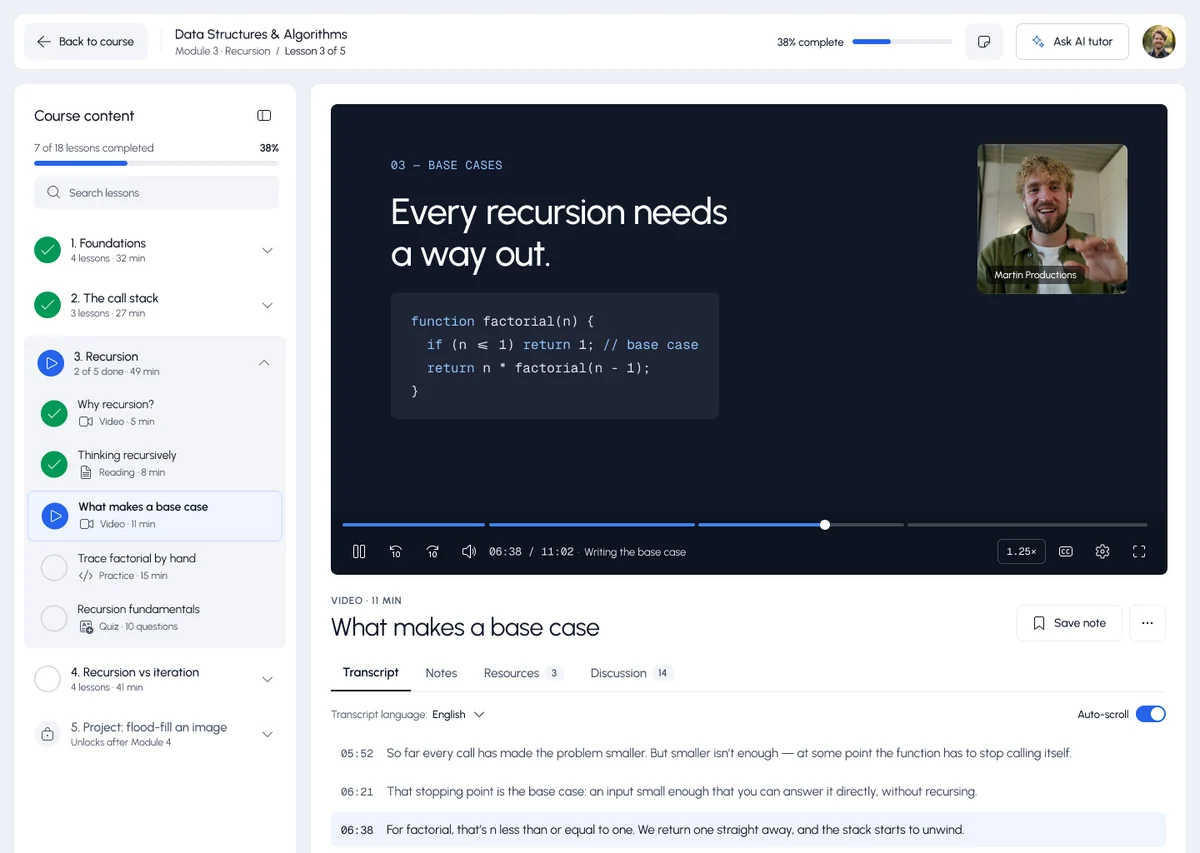
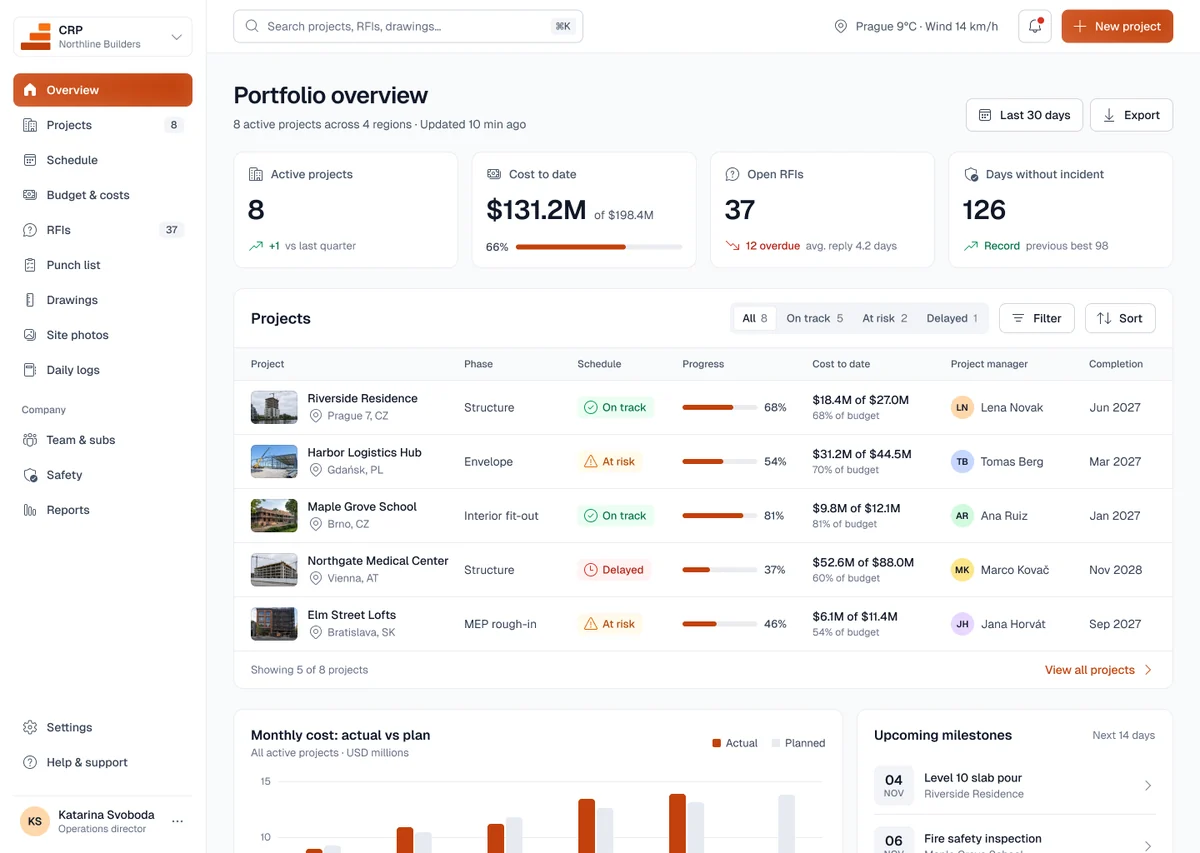
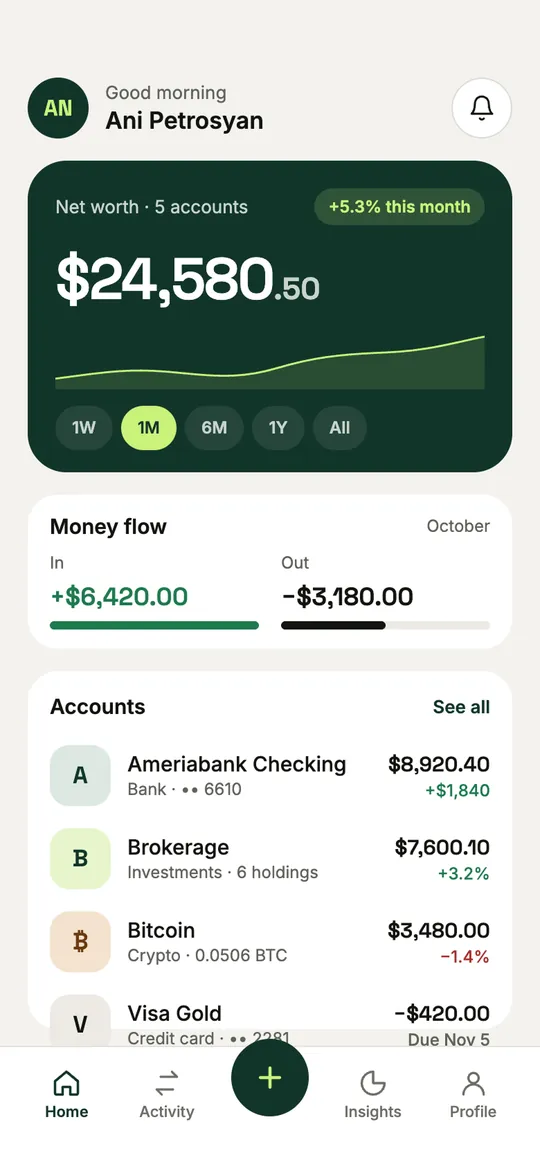
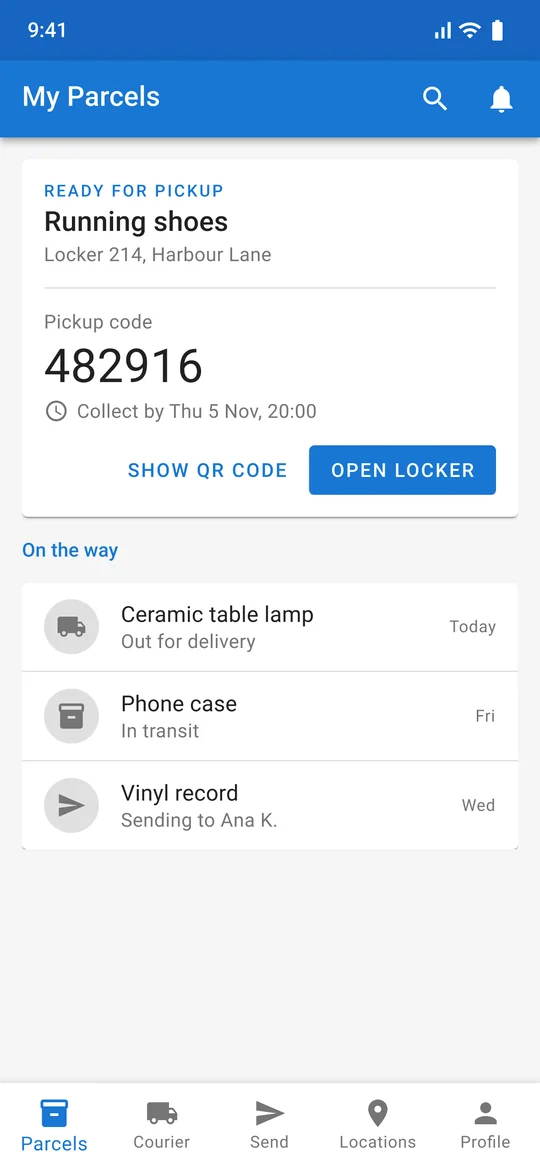
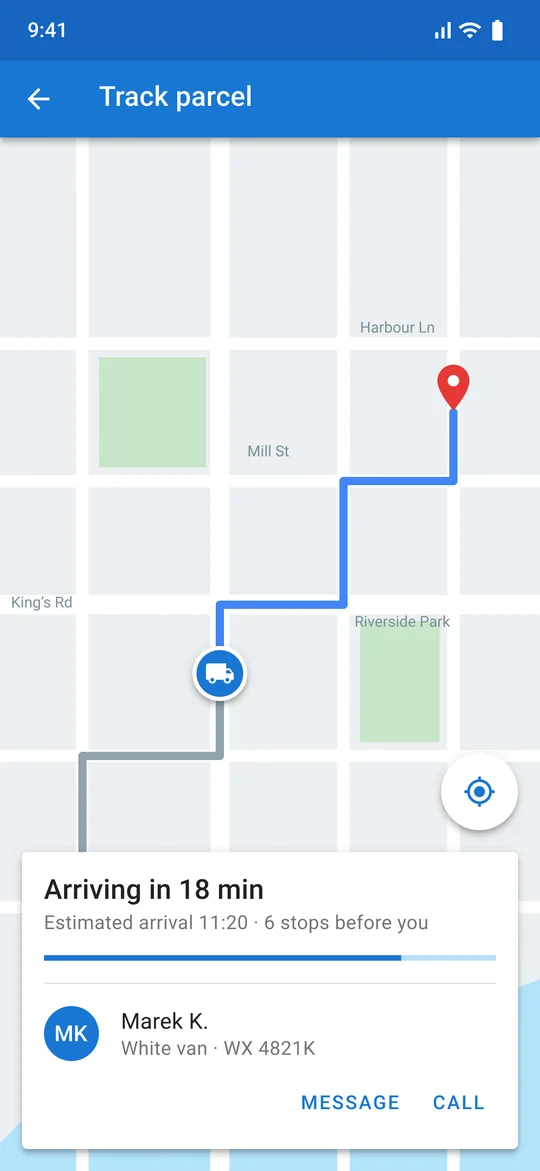
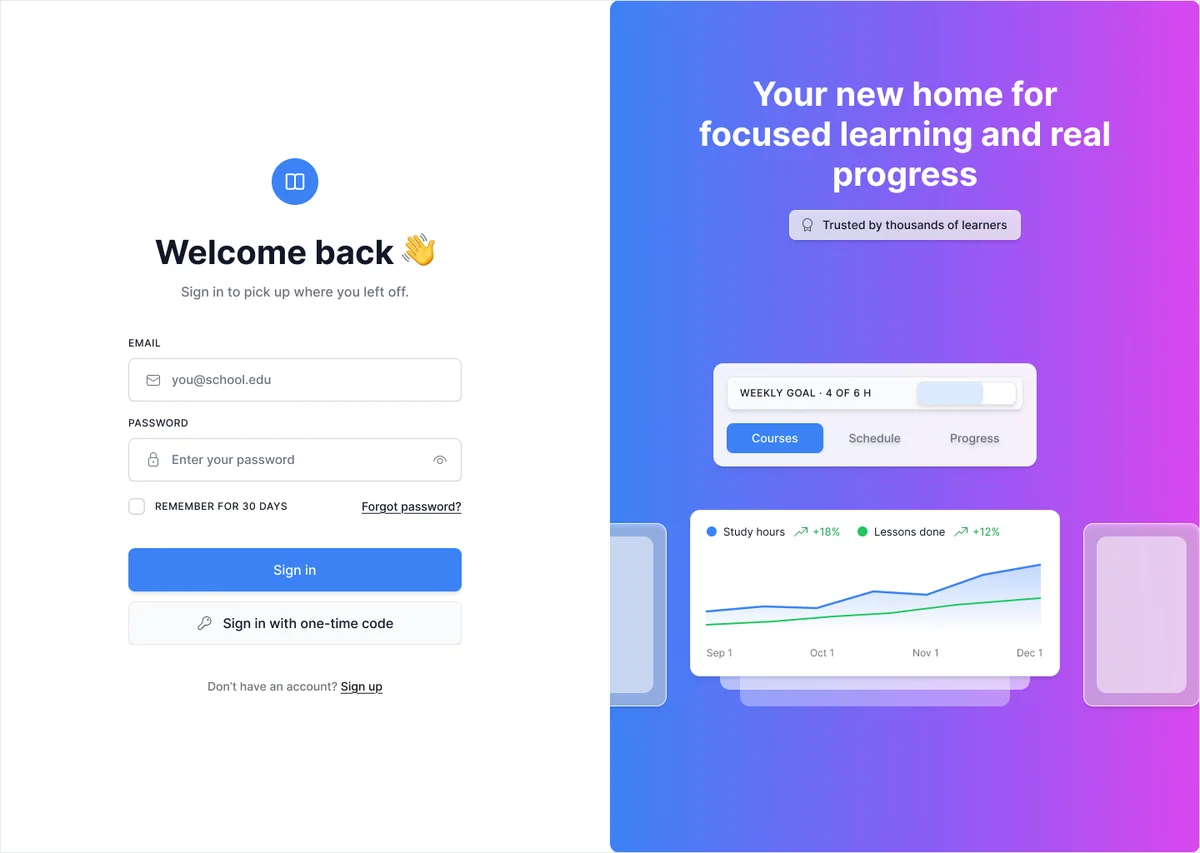
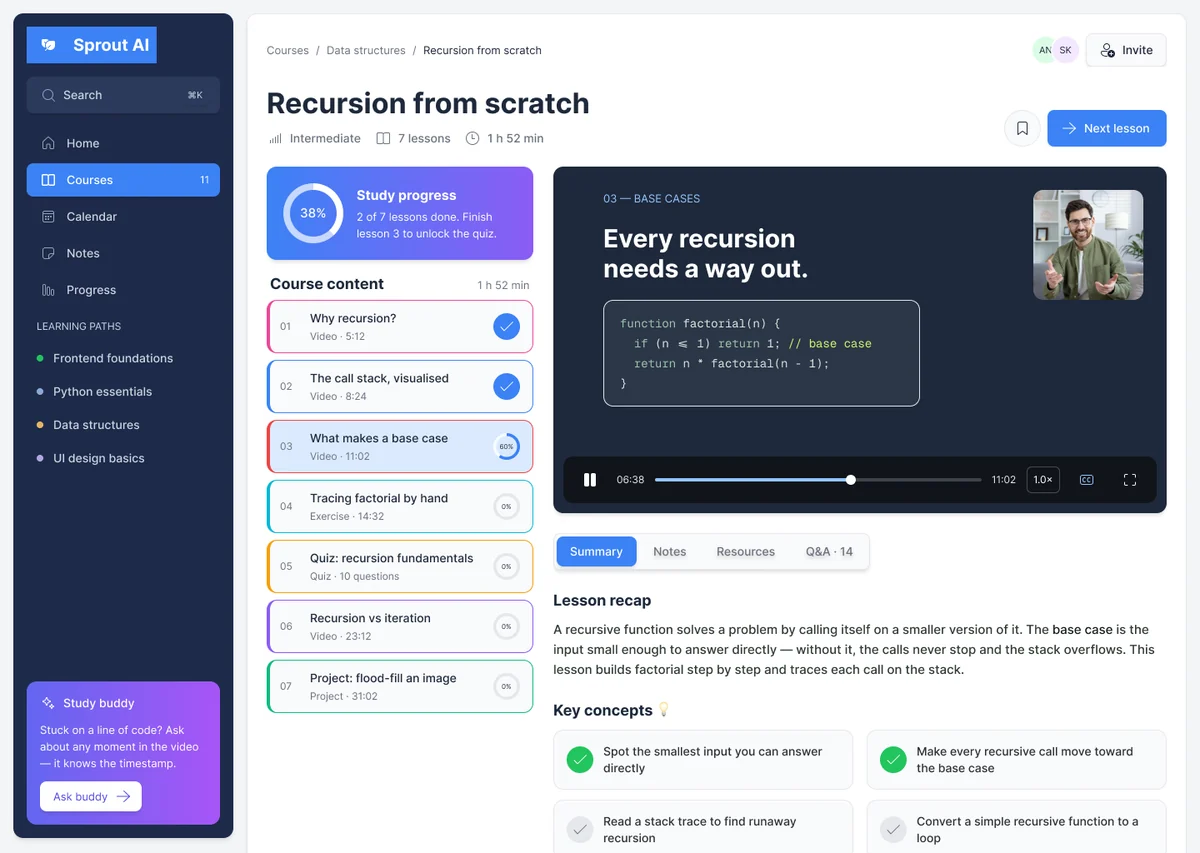
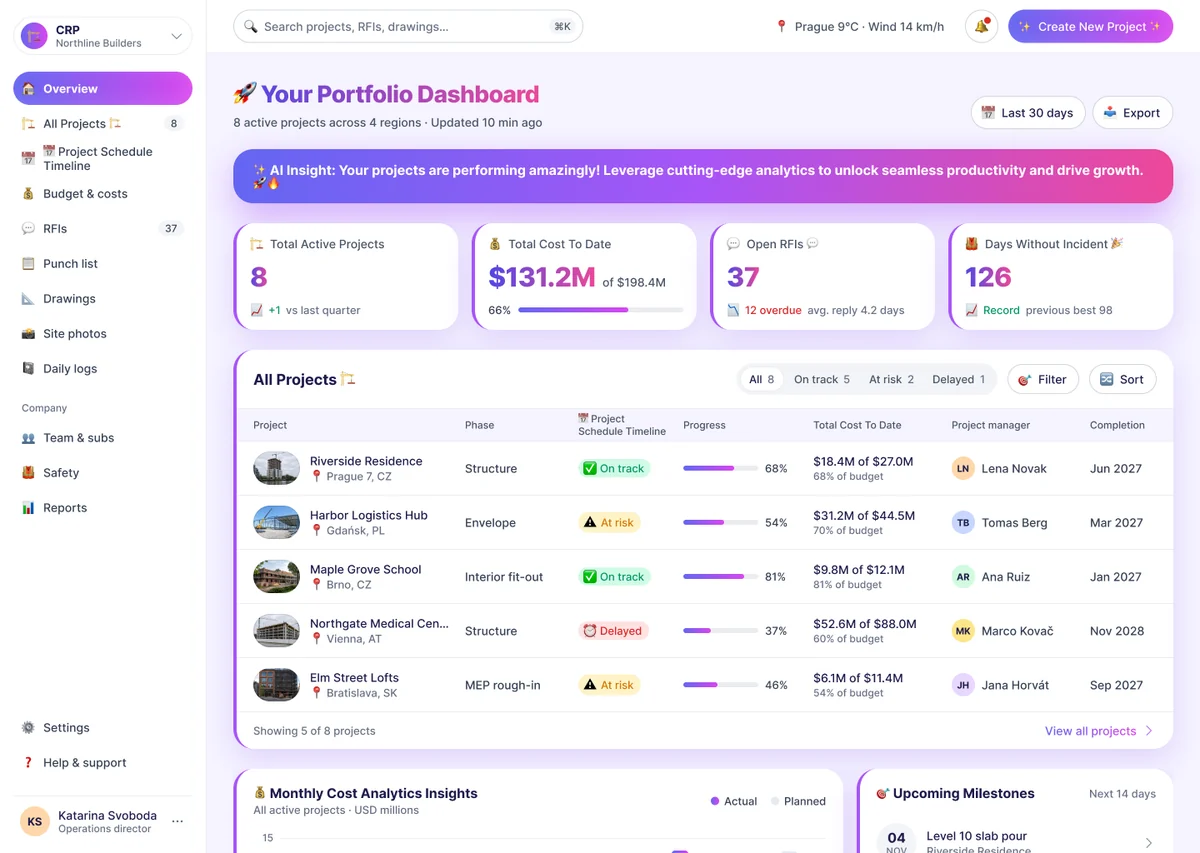
Clear hierarchy, real content and every edge case covered: empty, loading and error states included, not only the “happy path.”
New screens look like they've always been part of your app. Same patterns, same tone, same logic.
Uses your tokens, components and styles straight from your Figma library. No random colors, no detached components.
A senior designer checks every screen before you see it. No surprises, nothing “AI-looking.”
It learns your product, researches real screens and gets every design approved by a senior. Then it improves with every ticket.
At setup it studies your design system, components, existing screens and codebase, so every new design fits in like it was always there.


real screens and
150,000+ flows studied
Before designing, it studies how top products solve the same problem: 600,000+ real screens and 150,000+ flows.

Nothing reaches you without a senior’s approval.
Every review fix, your feedback and each approved design feed back into what it knows about your product. Task 50 is better than task 1.

Senior-level design without the 3-month search, the agency timelines, or AI guesswork.
| Compare | In-house | Freelancer | Agency | Greensighter AI |
|---|---|---|---|---|
Onboarding | 1–3 months | 1–2 weeks | 2–4 weeks | 2–3 days |
Turnaround for an average user flow | 1–2 weeks | 1–2 weeks | 1–2 weeks | 24–48 hours |
Uses your design system | Yes | Sometimes | Sometimes | Always |
Senior-level quality | If you hire right | Varies | Yes | Senior-reviewed |
Monthly cost | $8–12k | $6–8k | $10k+ per project | From $1,490 |
Most asked questions
In 2–3 days. We use that time to onboard your team and set everything up for your company: connect your project management tool and Figma, and have it learn your design system and existing screens.
Jira, Linear, Asana and ClickUp for tickets, Figma for design and Slack for communication. You assign a ticket like you would to any teammate.
Yes. It's in your Slack, like a designer on your team. Ask anything about UX, UI or your product, from “which pattern fits this flow?” to “why did you design it this way?”, and get an answer right away.
Web and mobile apps: new screens and flows, components, empty, loading and error states, and redesigns of existing screens. It runs on models tuned for product UI and UX design, so every screen follows UX best practices and proven UI patterns.
An average user flow takes 24–48 hours, reviewed by a senior designer.
Yes. It builds every screen from your Figma components, tokens and styles, so new designs look like they’ve always been part of your product.
Leave feedback in the ticket, like you would with any designer. Revisions come back reviewed by the same senior designer, and every fix helps it learn your product.